

TL;DR: Most gym and studio websites are invisible in local search for the same reason: they’re missing five on-page signals Google uses to identify and rank local businesses. These aren’t advanced techniques. They’re the basic machine-readable layer your site either has or doesn’t. This article covers each signal, what broken looks like, and the exact fix. Most owners can work through all five in a single afternoon.
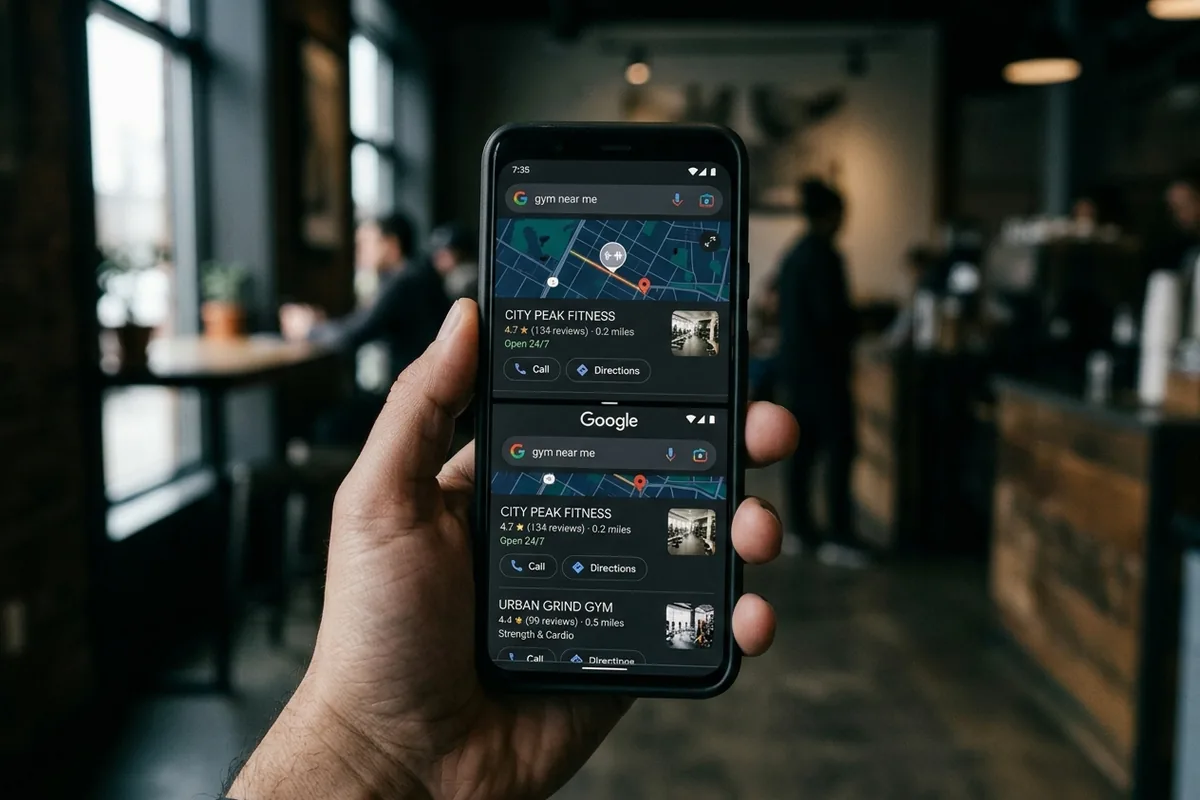
The gym two blocks away has fewer reviews than you. Its equipment is older. Its instructors have less experience. But every time someone in your city Googles “gym near me,” it outranks you.
The reason is almost never reviews or your Google Business Profile. Those owners did the obvious things too. The reason is five on-page signals baked into the website itself, the part of SEO for gyms most owners have never touched, because nobody told them these signals exist, let alone that theirs were missing.
What does on-page SEO for gyms actually involve?
On-page SEO is everything on your website that Google reads to understand what your business is, where it is, and who it serves. It’s separate from your Google Business Profile, your reviews, and your backlinks. It’s the signals baked into the page itself: the title, the headings, the code underneath, and the copy.
Most gym owners have been told to claim their Google Business Profile and collect reviews. Both matter. But on-page SEO for gyms is the foundational layer that makes your site readable to Google at all. Without it, your profile and your reviews are fighting uphill. It’s the difference between Google knowing you’re a CrossFit gym in Denver and Google guessing.
Signal 1: Does your title tag tell Google what you are and where?
The title tag is the clickable headline in a Google search result. It’s the highest-weight individual on-page signal, and most gym sites either leave it as the default, like “Home | Flex Gym,” or use the gym name alone. Neither tells Google what the business is or where it is.
A gym in Austin whose title tag reads “Home | Iron Peak” hands Google a brand name, not a service plus a location. So Google ranks it for branded searches and nothing else. The fix is a formula:
- [Primary service] + [City or neighborhood] + [Brand name]
- Example: “CrossFit Gym in Austin | Iron Peak Fitness” or “Yoga Studio in Miami Beach | The Flow Room”
- Every page gets its own title. The homepage targets your main service plus city; inner pages target specific classes or neighborhoods.
Signal 2: Does your H1 name what you do and where you are?
The H1 is the main visible headline on your page. On most gym sites it reads “Welcome to [Gym Name]” or just the gym’s name. That tells Google nothing. The H1 should state the service and the location the page is targeting, not a tagline and not a welcome message.
Compare “Welcome to Iron Peak” with “CrossFit and Strength Training in Denver, CO.” Google reads the H1 as one of the strongest on-page signals for what a page is about and where it serves. A welcome message is a missed ranking. It’s the equivalent of a store putting “Hello, we’re open” on its sign instead of naming what it sells.
The fix takes one sentence. Rewrite the H1 to state what you do and where you are. No “welcome,” no slogan, no tagline.
Signal 3: Does Google have your gym’s details in code it can actually read?
LocalBusiness schema is structured code added to your site that tells Google, in machine-readable format, exactly what type of business you are, plus your address, hours, phone number, and service area. Without it, Google is guessing your business details from your visible copy. Most gym sites don’t have it.
Schema markup isn’t visible to your visitors. It’s a layer of code only search engines read. Think of it as the business card Google gets before it decides where to rank you, and whether to surface you in an AI answer when someone asks for a gym in your area.
Most gym sites on WordPress have a plugin that handles this in about fifteen minutes (Rank Math, Yoast). Sites on Wix or Squarespace have structured data tools built into the settings. What the schema should include: business name, address, phone, URL, hours, geo-coordinates, and the correct business type (HealthClub or ExerciseGym in schema vocabulary).

Signal 4: Does your site actually say what city you’re in?
Location signals are mentions of your city, neighborhood, and service area in the actual visible text of your page. If your homepage says “Join us at our gym” without naming the city once, Google has to guess your location from your domain or your profile. Guess wrong and you disappear from local results entirely.
A homepage with zero city-name mentions gives Google no geographic anchor. It reads the page, finds nothing to tie you to a place, and ranks you for nothing geographically specific. Here’s the fix:
- City name at least twice in your homepage body copy, worked in naturally, not forced
- Neighborhood or district if you serve a specific area, like “downtown Austin” or “East Nashville”
- A short service-area line in the footer: “Serving Tampa, Hyde Park, and South Tampa”
Signal 5: How fast does your gym site load on a phone?
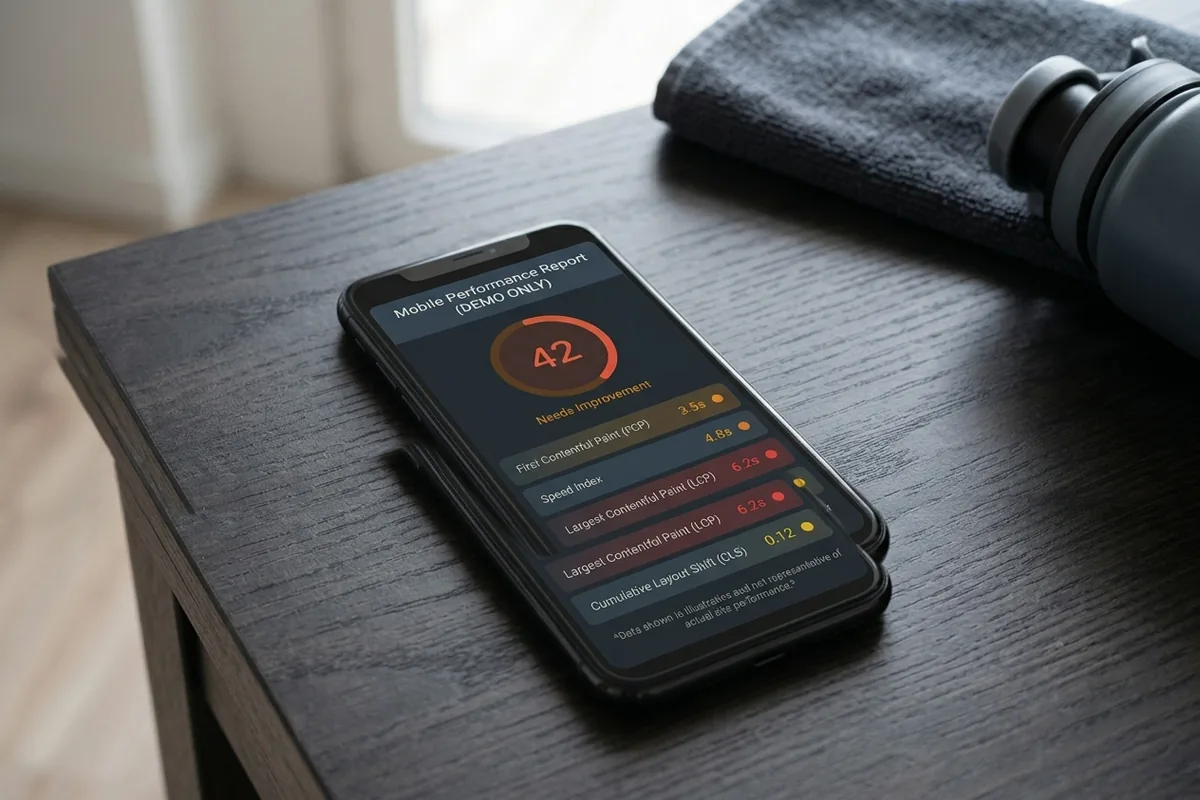
If your gym’s site takes more than three seconds to load on a phone, you’re losing both rankings and visitors before they see anything. Mobile load time is a confirmed Google ranking signal, and three seconds isn’t fast. It’s the threshold where visitor behavior starts to break down.
To check yours, open your gym’s site on a phone, then run the URL through PageSpeed Insights at pagespeed.web.dev. A score below 50 on mobile is where most gym sites land. The two biggest culprits are almost always the same: uncompressed hero images and slow-loading code. A faster site doesn’t just please Google. It keeps the person who searched on the page long enough to book.
The fix you can start today: compress every image before you upload it, save it as WebP, and keep nothing wider than 1,200 pixels on a gym site. A developer can run a full speed pass in a couple of hours; the image cleanup is something most owners can do themselves.
How do these five signals work together?
Each signal does a separate job. Miss one and the chain breaks:
- No title tag, and Google can’t identify your service or location, so it doesn’t rank you for “gym near me”
- A weak H1, and Google treats your page as a brand page instead of a service page, which lowers your relevance
- No schema, and Google is guessing your business type, so you compete against every wellness business in your zip code
- No location language, and the page has no geographic anchor, so it stays invisible in local search
- Slow mobile load, and visitors bounce before they see anything, which feeds back a ranking signal that drags your position down over time
Fix all five and you’ve built a gym website ranking foundation that the rest of your local SEO stacks on top of. These five signals are the groundwork under the local SEO work we build for gyms and studios. If your site isn’t being found at all, this connects straight to the three-job framework for gym websites, where on-page signals are Job 1.
None of this is advanced, and none of it needs an agency to start. Most owners can fix four of the five themselves before lunch, and page speed is the only one that needs a check every quarter after that.
Frequently asked questions
What’s the difference between on-page SEO and Google Business Profile optimization?
On-page SEO lives on your website: the title tag, H1, schema, copy, and page speed. Google Business Profile is a separate platform Google owns. Both matter for local ranking. On-page signals help Google understand what your website is; your profile helps Google understand your standing in the local market. Fixing one without the other leaves half the ranking equation untouched.
Do I need to hire a developer to add LocalBusiness schema to my gym’s site?
If you’re on WordPress, no. Plugins like Rank Math or Yoast generate the schema in about fifteen minutes of setup. On Wix or Squarespace, both platforms have structured data tools built into the settings. On a custom-built site, a developer needs to add the code block, but it’s a thirty-minute task, not a rebuild.
How long after fixing these on-page signals will I see ranking changes?
Usually 30 to 60 days for Google to recrawl and reindex your updated pages. Title tags and H1s tend to show up fastest. Schema changes take a little longer to register. Don’t measure before 30 days, and don’t draw conclusions before 60. Ranking movement in a local niche takes time even when every signal is right.
My gym is on Wix or Squarespace. Can I still fix all five signals?
For most of them, yes. Title tags and meta descriptions are editable in both platforms’ SEO settings. The H1 is your page headline, and the body copy is yours to write. Page speed is more constrained, since both platforms handle the hosting, so your main lever there is image compression. Schema tools exist in both, though they’re more limited than WordPress.
Is on-page SEO a one-time fix or something I have to keep doing?
Mostly one-time, with light maintenance. Once your title tags, H1, schema, and location language are set correctly, they don’t need to change unless your services or location change. Page speed is the exception. It degrades as you add images and content, so run a PageSpeed Insights check once a quarter.
I’ve heard Google uses hundreds of ranking signals. Do these five really matter?
Yes. Google uses over 200 signals, but on-page signals are the foundational layer everything else stacks on. If your site doesn’t tell Google what your business is or where it is, no volume of reviews or backlinks makes up for it. On-page isn’t the whole game, but it has to exist before the rest can work.
Not sure which of these signals your gym’s site is missing?
The free instant audit checks your site across three buckets, Found on Google, AI Search Visibility, and Homepage Clarity, and emails you the top fixes right away. Run my free audit.